Shopify app development is where you go beyond what themes and configuration alone can offer.
Apps let you extend Shopify’s core functionality, integrate external systems, and build features that simply aren’t possible inside themes.
That said, app development is optional.
Many Shopify developers build full-time careers without ever shipping an app. But if you enjoy more technical work, backend logic, or building reusable products, app development opens up an entirely new set of opportunities.
At the core of every Shopify app is data access.
Apps work by reading from and writing to Shopify through its APIs, that’s how you fetch products, create orders, update customers, or react to events in a store.
Understanding how Shopify structures its APIs, what data is available where, and how access is secured is foundational for app development.
Shopify doesn't have just one API. It has several, each serving a different purpose.
As an app developer, you’ll mainly encounter:
- The Admin API, used by apps to manage store data like products, orders, customers, discounts, and settings.
- The Storefront API, used to expose selected store data to custom storefronts and headless frontends.
- Webhooks, event-based notifications that tell your app when something changes (for example, an order is created or a product is updated).
- (Possibly Functions, which let you customize Shopify's backend logic)
Knowing which API to use, and when, is one of the first important decisions in app development.
→ Learn more: Shopify APIs Explained: Complete Overview of All Shopify APIs
Shopify’s APIs are primarily accessed using GraphQL.
GraphQL is a query language that lets you request exactly the data you need.
Unlike traditional REST APIs, you don’t fetch entire objects by default.
Instead, you explicitly define which fields you want in each request.
This has a few big advantages:
- Less overfetching and smaller responses
- Better performance for complex data requirements
- More predictable data structures
Most Shopify app development involves writing and maintaining GraphQL queries.
Getting comfortable with reading and writing these queries early will make everything else easier.
→ Learn more: GraphQL Intro for Shopify Developers
Because apps access sensitive store data, authentication is a critical part of Shopify app development.
Shopify apps use a secure OAuth-based flow and token system to:
- Verify the identity of the app
- Confirm which store the app is installed on
- Control which data the app is allowed to access
In practice, much of this is handled for you by Shopify’s official app templates and SDKs.
However, it’s still important to understand what happens in the background (also if you ever need to debug something)
→ Learn more: Shopify App Authentication Explained
Beyond just default Admin API Apps, in recent years, Shopify has heavily expanded where and how apps can extend the platform.
,
Instead of relying on hacks or theme overrides, developers now get official extension points across key surfaces like the admin, checkout, and POS.
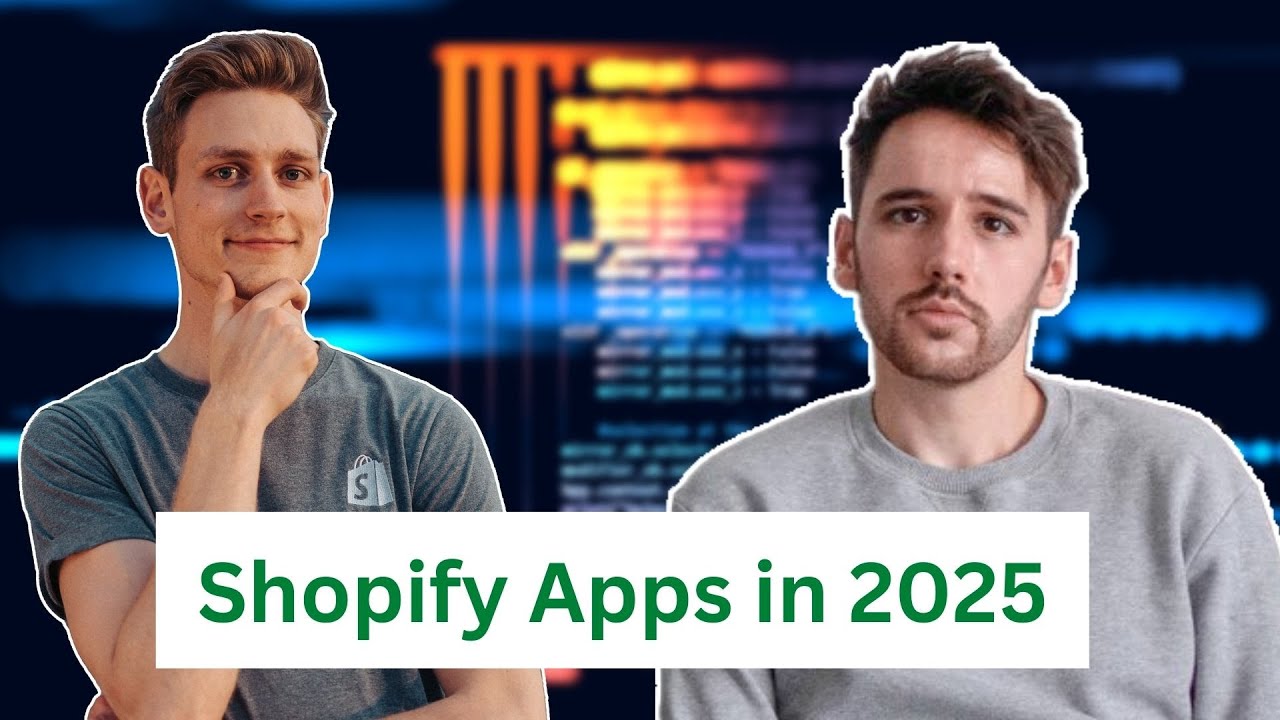
If you’re curious why Shopify designed extensibility this way, and how they think about platform architecture long-term, I highly recommend the interview with Shopify’s Head of Product and the CEO’s Technical Advisor. It gives great context on where app development is heading.
In the following Subsection, we'll explore the most important app surfaces:
Checkout UI Extensions allow apps to add custom UI and logic directly into Shopify’s checkout (in a controlled and secure way).
They’re commonly used for:
- Custom checkout logic
- Upsells and additional information
- Validation and dynamic messaging
→ Learn more: Shopify Checkout Extensions: Complete Guide for Developers
Admin UI Extensions let apps embed interfaces directly inside Shopify’s admin.
They’re used to:
- Add custom panels or actions to existing admin pages (for example inside the product editor)
- Improve merchant workflows
- Surface app functionality exactly where merchants need it
Together with Shopify Academy, we created a small series on how to scaffold an Admin UI Extension app.
→ Learn more: Build an Admin UI Extensions from scratch
Shopify Functions let you modify Shopify's backend logic (in real time).
They’re typically used for:
- Pricing logic
- Discounts
- Shipping and payment customizations
They’re still relatively new and quite powerful when it comes to building custom features.
→ Learn more: Shopify Functions Overview
POS UI Extensions allow apps to extend Shopify’s Point of Sale system.
This includes:
- Custom UI inside the POS app
- Tailored workflows for in-store staff (for example a special discount button)
- Integrations for retail-specific use cases
POS extensions are less competitive than other types of apps, because they are more niche.
Especially for developers interested in omnichannel or retail-focused solutions this can be an interesting path.
→ Learn more: Shopify POS UI Extensions Overview
Building a public Shopify app isn’t just a technical challenge.
Once you move beyond private apps, development is only half the job.
To make an app work long-term, you also need:
- A solid understanding of economics
- Clear positioning and pricing
- Basic sales and marketing skills
And a realistic view of competition and demand.
Many technically strong apps fail simply because these parts are ignored. I don't claim to be an expert here either, because I've never scaled an app business myself, but I've spent countless hours learning online marketing, and we've been able to grow the first version of our online bootcamp to multiple seven figures in revenue. In the following sections I'll add my best advice and what real experts in the field had to say.
,
Before writing any code, it’s worth pressure-testing your idea.
In this guide, I walk through how I personally evaluate app ideas by:
- Quantifying demand
- Analyzing competition
- Estimating willingness to pay
- Ranking ideas based on effort vs. upside
This helps avoid building something nobody actually wants.
→ Learn more: How to Evaluate Shopify App Ideas
Mat De Sousa runs a Shopify app doing over $60k/month and hosts large in-person events like the WIDE event in Paris.
(I spoke there last year; vlog linked here.)
Mat also joined our channel for a long-form interview where we talked about:
- What actually matters when scaling an app
- Hiring and team structure
- Distribution, partnerships, and pricing
- Common mistakes developers make when going public
It’s a very honest look at the realities of running a successful Shopify app business.
→ Learn more: Interview with a Shopify App Founder
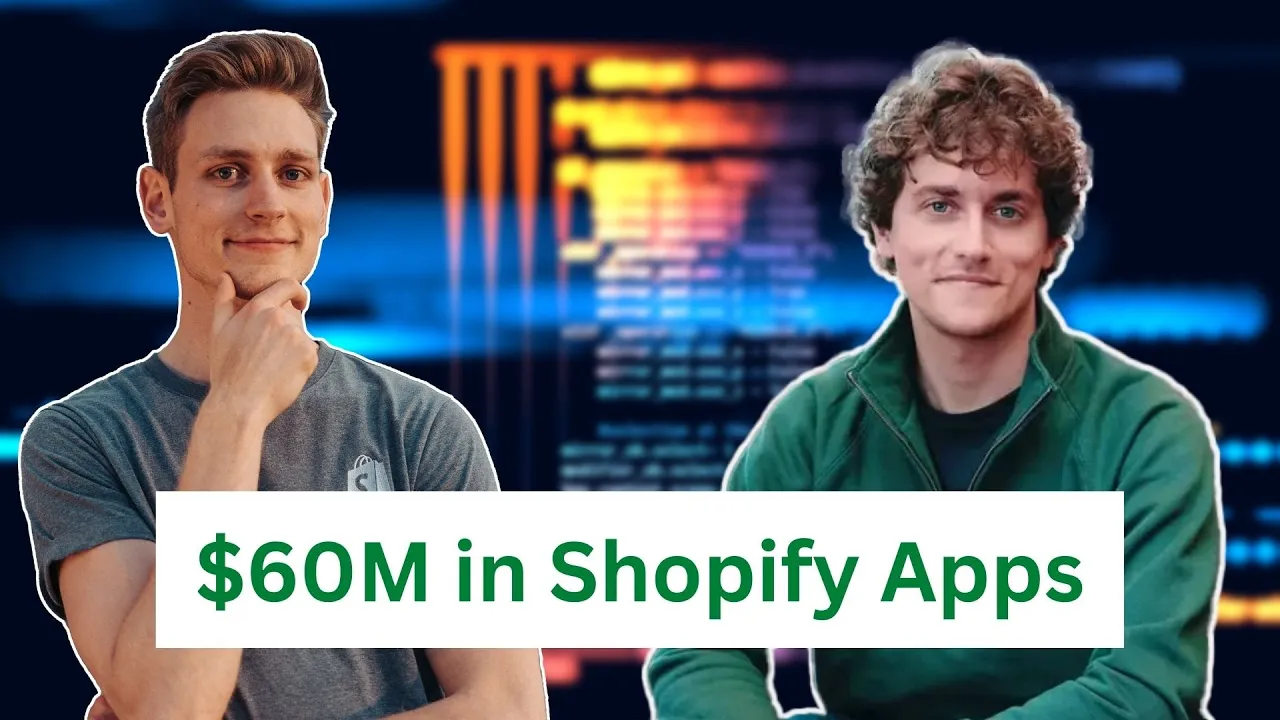
Gian and his team have invested over $60M in a portfolio of Shopify apps.
They acquire apps, integrate them into a shared ecosystem, and run them with centralized developer and operations teams.
This gives a unique, high-level perspective on:
- What makes apps investable
- Where developers over-optimize (and under-optimize)
- How scalability and maintainability are evaluated at scale
If you’re curious how apps are viewed from the investment side, this interview is extremely insightful.
→ Learn more: Investor Perspective on Shopify Apps
At this point, you’ve seen the technical landscape of Shopify development, from platform fundamentals and themes to apps and extensibility.
Now comes the part where everything turns into real income.
You don’t need to master every technical area before getting paid.
In fact, most successful Shopify developers start working with clients long before they feel “ready.”In the next section, we’ll focus on:
- How developers actually land their first paid projects
- Common freelancing and agency paths
- How to turn technical skills into long-term career options
Whether your goal is freelancing, joining an agency, or building something of your own, this is where the roadmap connects skills to real-world outcomes.